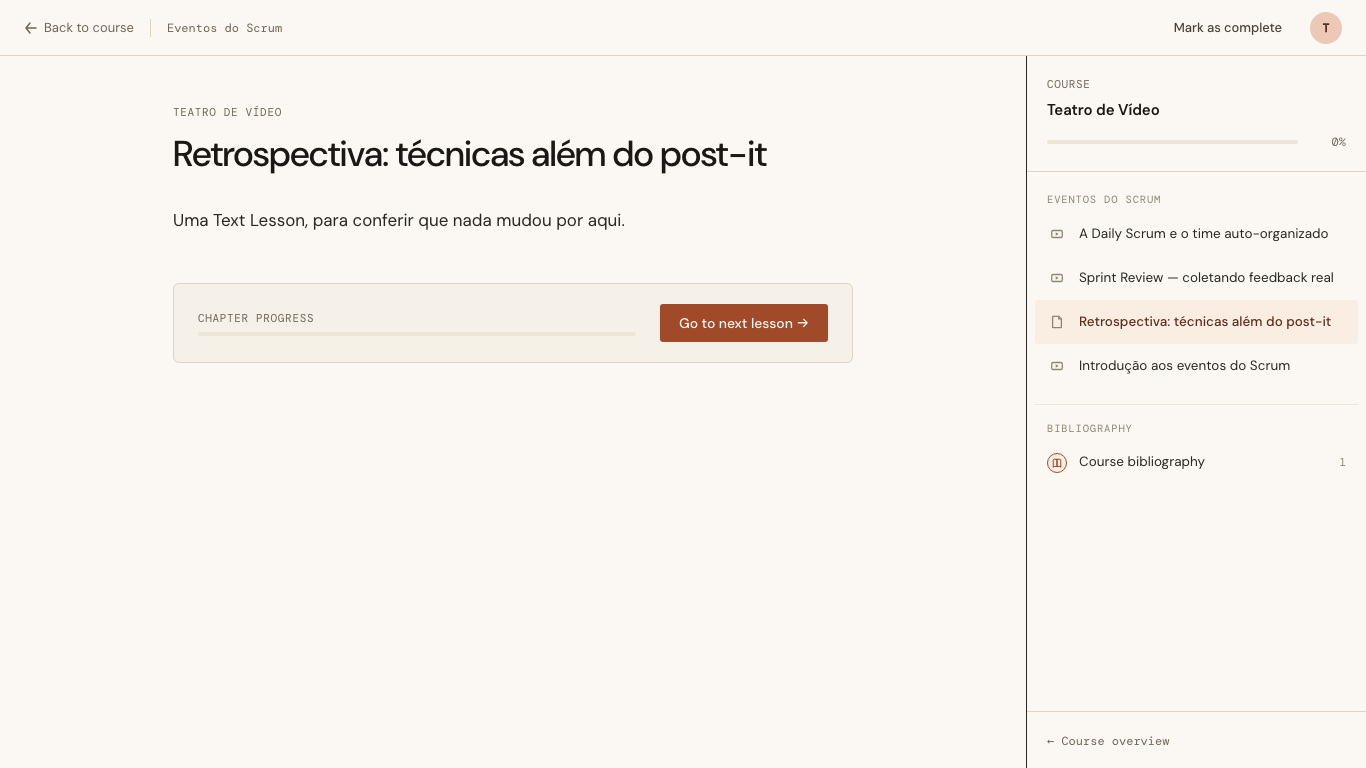
A Video Lesson and a Text Lesson shared one component, and that component was built for reading. Its article measure is 680px, which is the right width for a paragraph and the wrong width for a screencast: an Instructor demonstrating a Sprint board records at 1080p, the Student watches it in a 680px box, and the text on screen is unreadable. The workaround was full screen, which throws away the Lesson around it.
So the Video Lesson got its own layout.
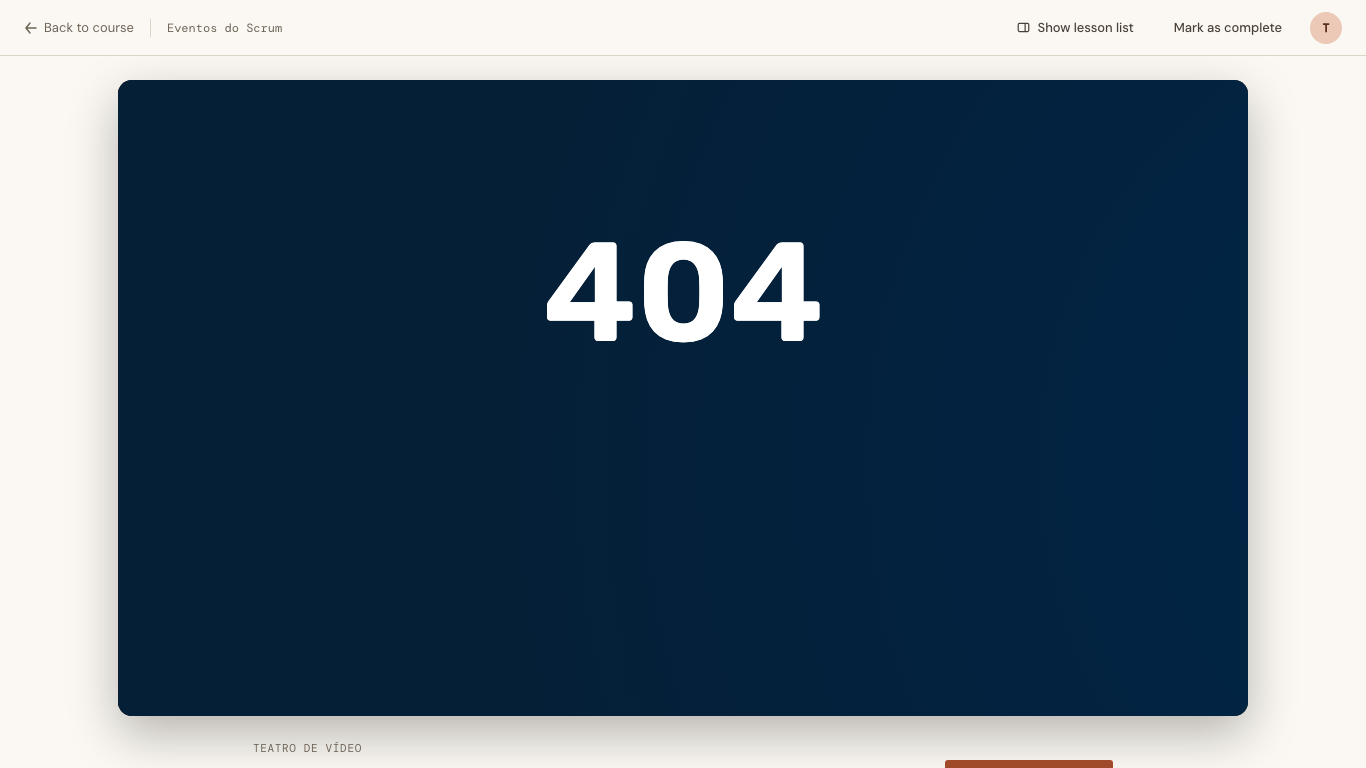
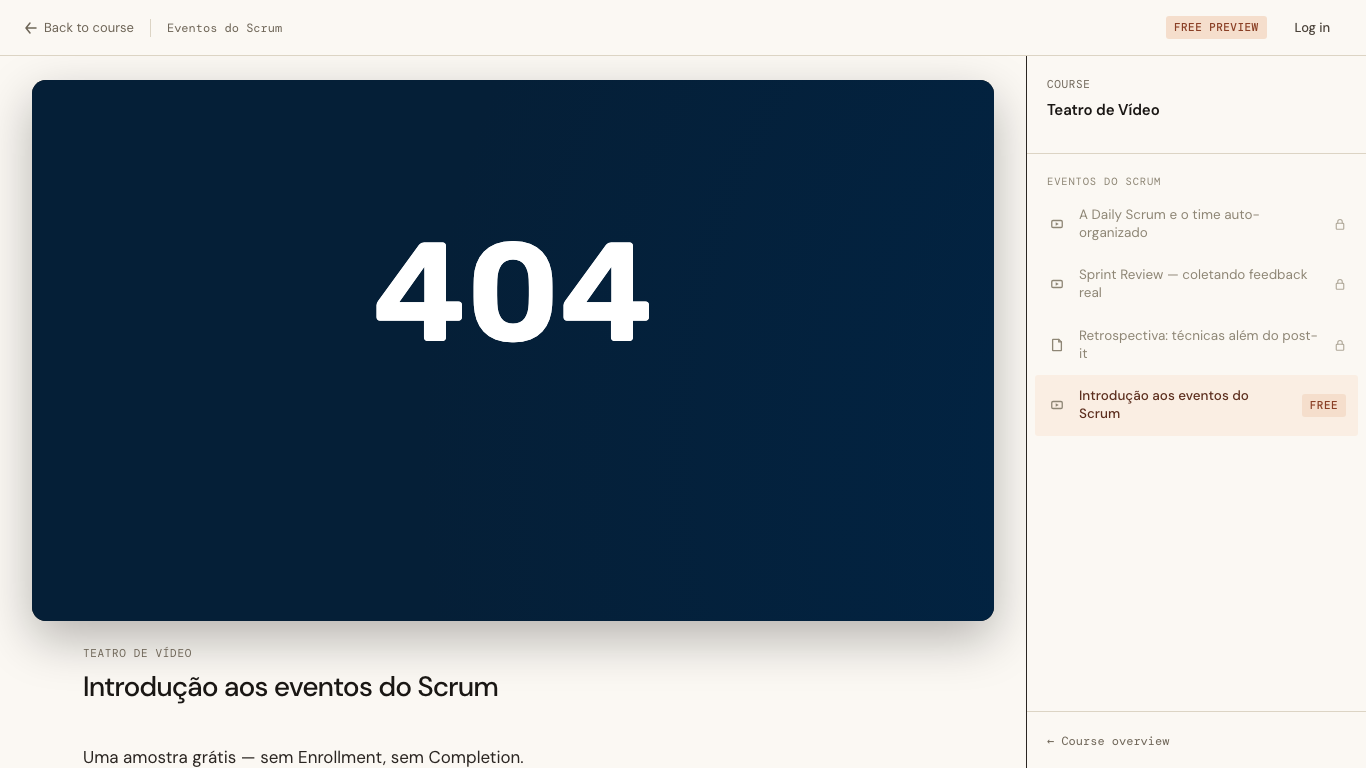
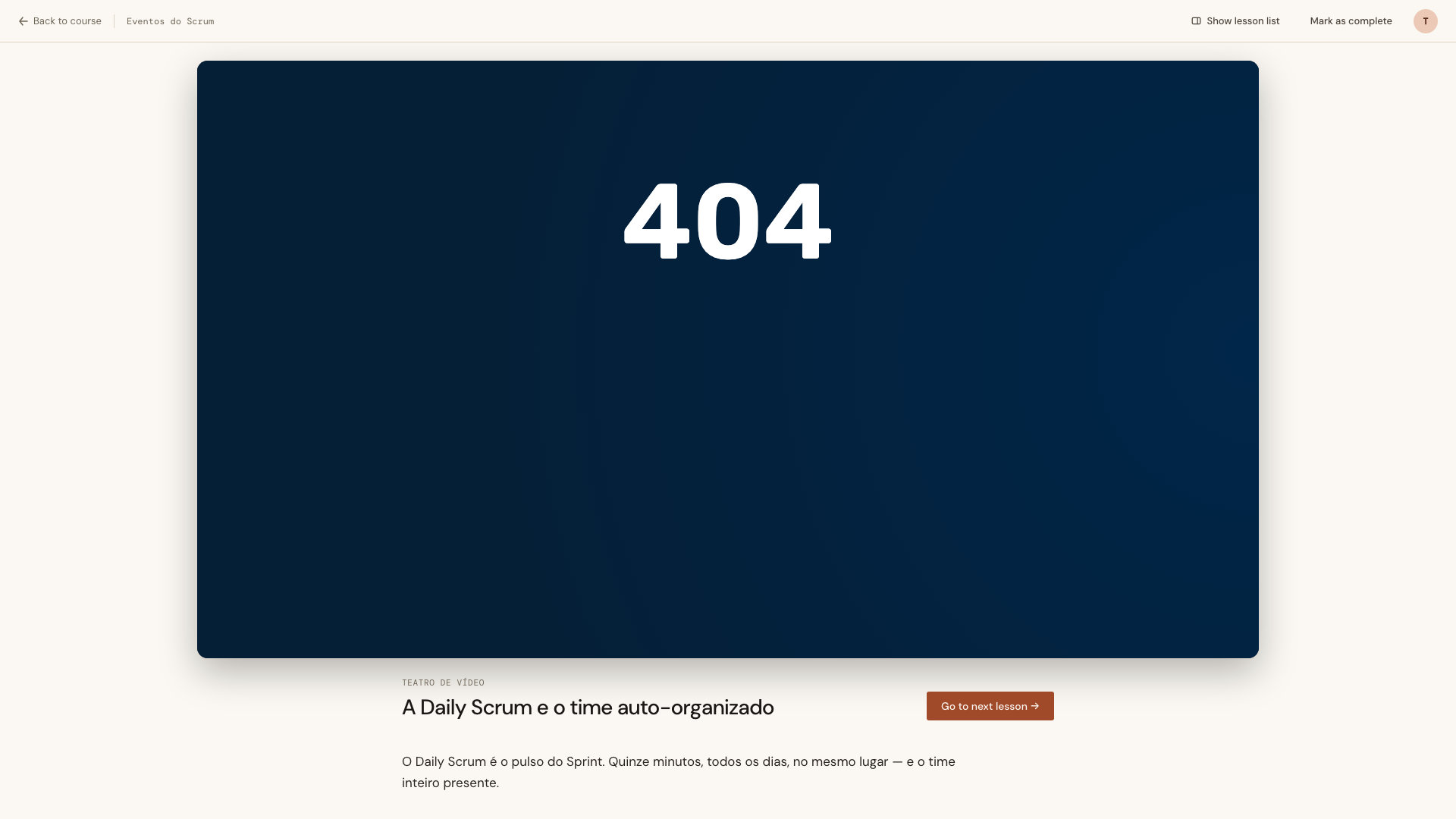
(The dark frame is a Bunny embed with no asset behind it — this development database has no video library. The rectangle is the point.)
Theater without the mode toggle
The design prototype for this shipped two complete layouts and a Modo teatro switch between them. That switch did not get built.
The Card asked for a bigger frame, not for a choice about frame size. A Video Lesson is always better wide — there is no reading task on that screen that a narrow column serves — so the layout is a property of the Lesson type, not a preference the Student has to discover and maintain. One layout per type, decided by the type.
The prototype also fabricated a good deal the product does not have: a Notas/Transcrição/Recursos/Discussão tab strip, a segmented lesson-track rail, a bookmark button, and a full set of player chrome — scrub bar, volume, speed pill, CC. That last one is not a scoping decision so much as a physical one. The player is a Bunny <iframe>. Controls painted over it would be decoration sitting on top of a document from another origin, wired to nothing.
What survived from the prototype is the shape: video first, everything else in a narrower column beneath it.
The frame is a min() of three things
The page order inverts. On a Text Lesson the course meta and title come first and the body follows. On a Video Lesson the video sits directly under the 56px chrome, so it gets the entire height budget, and the meta, the title, the completion action, the markdown body, the References and the chapter progress all move to a strip and a column below it.
.lesson-video-stage {
  width: min(1400px, 100%, calc((100dvh - 132px) * 16 / 9));
  aspect-ratio: 16 / 9;
}
Three terms, each answering a different way the frame could go wrong.
100% is the column, and it is the term everyone writes first. On its own it produces a frame that is too tall the moment the viewport is short — a 16:9 rectangle filling a 1366px column is 768px tall, which is the entire height of the laptop it is being viewed on. The video’s own controls end up below the fold, and the Student scrolls to pause.
calc((100dvh - 132px) * 16 / 9) is the height constraint expressed as a width, which is what aspect-ratio needs. The 132px is the 56px chrome plus the top margin plus enough room that the title strip peeks under the frame and says there is more here. On a 1366×768 laptop this term binds: the frame lands at 1131×636, its bottom edge at y=716, and the player’s controls are on screen with 52px to spare.
1400px is the cap. Without it an ultrawide gets a 2400px-wide frame, and a 1080p source upscaled to 2400px is not a bigger picture, it is a blurrier one. At 1920×1080 the cap binds and the frame is 1400×788.
The column beneath is 860px — wider than the 680px prose measure, because it now carries a title strip with an action in it, and narrower than the video, because it is still text.
The <iframe> must never be re-rendered
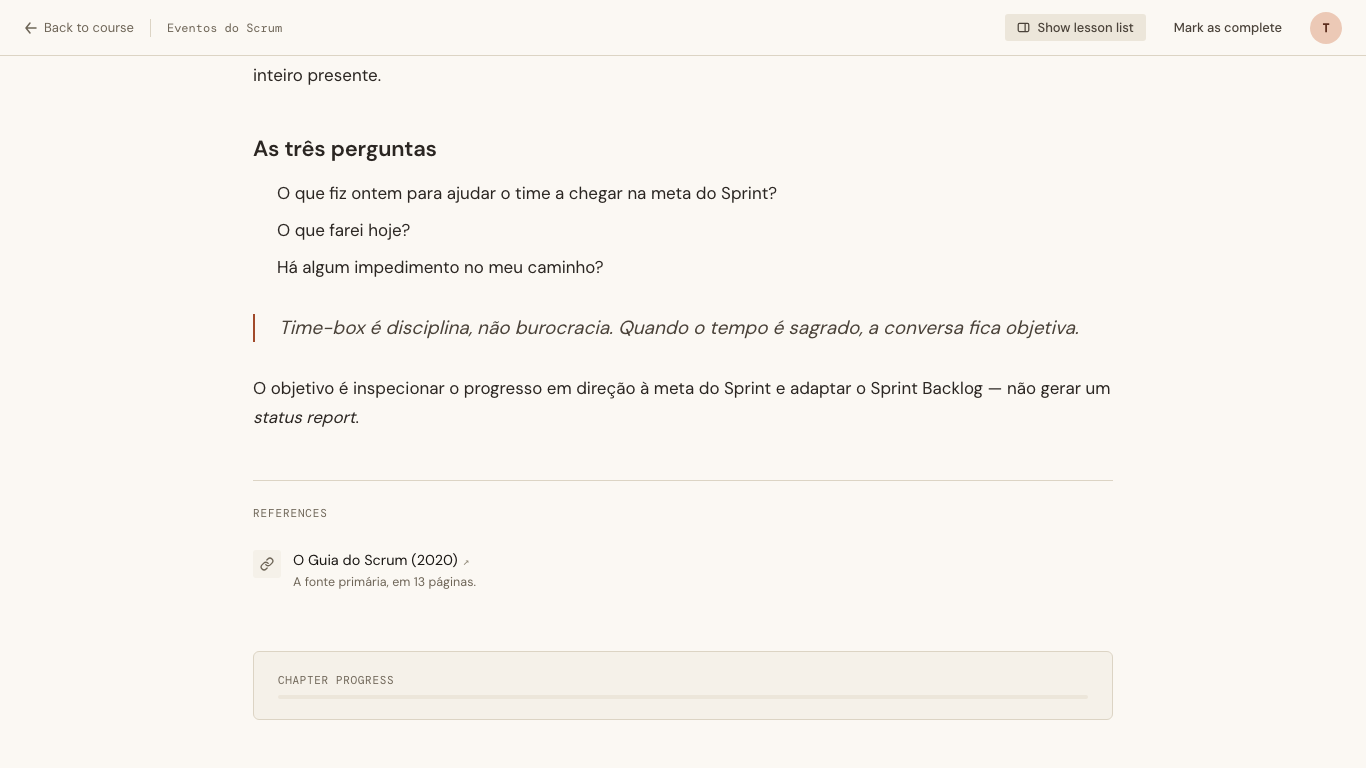
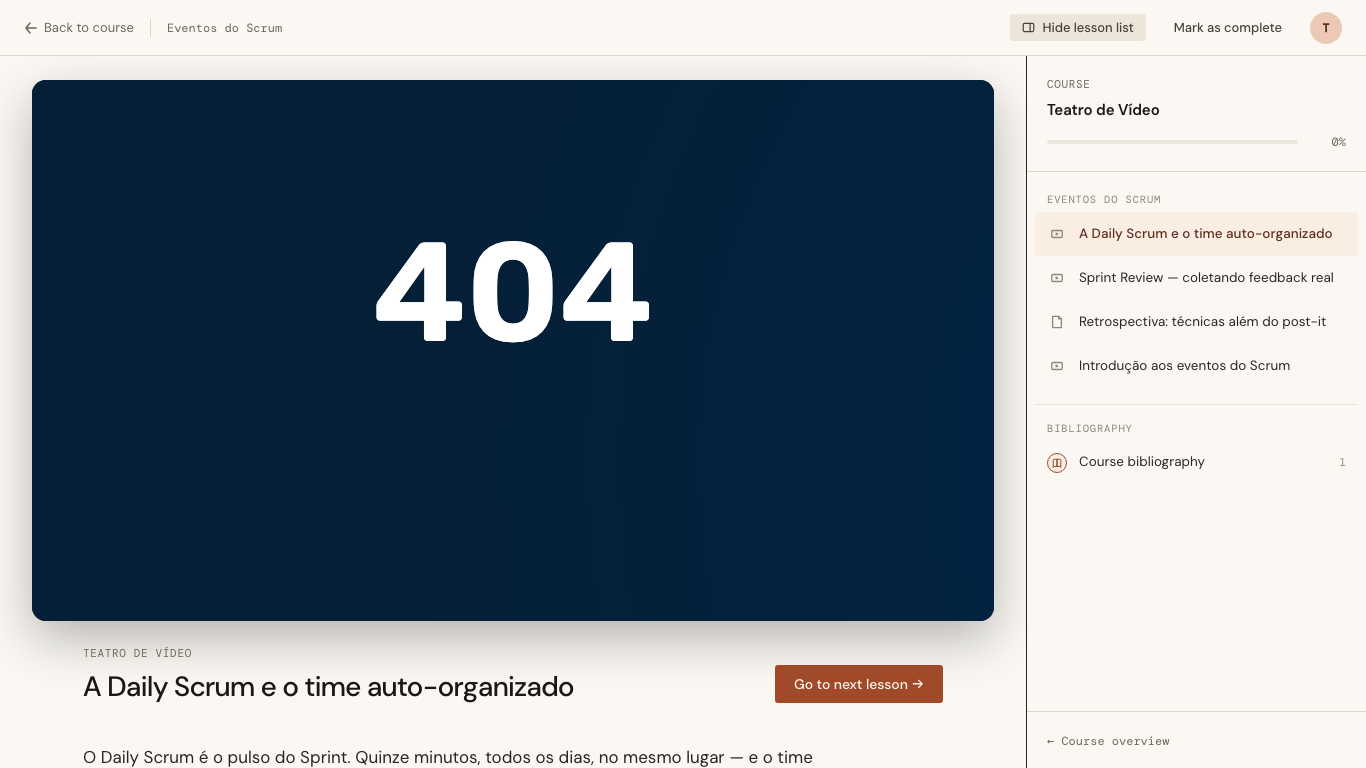
The Lesson sidebar is 340px of curriculum, and on a Video Lesson it is 340px the video wants. So it starts collapsed here, with a labelled control in the header to bring it back.
That control has one hard constraint, and it shapes everything else. Toggling the sidebar must not re-render the branch containing the <iframe>. If the element is destroyed and recreated, Bunny reloads, and a Student eleven minutes into a Lesson is returned to zero because they wanted to see the lesson list. There is no recovering from that gracefully; the only option is never to do it.
Which rules out the obvious implementation immediately. A socket assign means a phx-click, a server round-trip and a patch through the component that holds the iframe. Even if that patch happens to leave the element alone, the design would be one careless template edit away from a bug whose symptom is the video restarted and whose cause is three files away.
So the state never reaches the server. It is a class on an ancestor, and CSS does the rest.
Which is when morphdom becomes the problem
The repo already knows that a class the server renders cannot be retired by the client — the Grouping deck learned it the hard way, when a shuffle animation gated on a server-rendered class replayed itself on every patch. The written-down fix is that client-owned state must be client-added: the hook adds the class, the hook removes it, the template never mentions it.
That is half the rule. The other half is that a client-added class does not survive either.
morphdom’s morphAttrs copies the incoming node’s attributes onto the existing element and then removes any attribute the existing element has that the incoming one does not. class is an attribute present on both. The server says class="lesson-app", the DOM says class="lesson-app mm-video-open", and the merge is not a union — it is an assignment. The next patch that walks that element wipes it.
Patches on this screen are rare, which is exactly what makes the bug expensive: it would not appear until a Student expanded the sidebar and then marked the Lesson complete, at which point the sidebar would vanish and the toggle would be lying about its own state.
The reliable fix is to put the state where morphdom does not go. LiveView patches the container; <html> is above it.
flowchart TD
    C(["Student clicks the control"]) --> HK["VideoSidebar hook"]
    HK -->|setAttribute| H["html data-video-sidebar
above the LiveView container"]
    HK -->|writes| SS[("sessionStorage
this tab, until it closes")]
    H -->|"CSS keys off the attribute"| SB["sidebar shown or hidden"]

    P(["a server patch — recording a Completion"]) --> MD["morphdom walks the container"]
    MD -->|"morphAttrs assigns class,
it does not merge it"| X["a client-added class here
would be wiped"]
    MD -. "never reaches" .-> H
    MD -->|"same element, same attributes"| IF["the Bunny iframe
not recreated, never reloads"]
aria-expanded is the one piece that genuinely has to live on the button, inside the container, because a screen reader reads the element and not the document. That one the hook re-applies in updated() — the belt to the <html> attribute’s braces.
sessionStorage, and the two options it beat
Navigating between Lessons is push_navigate — a full remount — so socket assigns cannot carry the choice even in principle. Something outside the LiveView has to hold it.
localStorage was rejected because it outlives the tab, which contradicts collapsed by default: a Student who expanded the sidebar once in March would find it expanded forever, and the default would only ever apply to people who had never touched the control.
A URL parameter was rejected because it would have to be threaded through five push_navigate call sites and every sidebar link, and it turns a CSS class change into a server round-trip past the iframe — the one thing the whole design exists to avoid.
sessionStorage gives exactly the behaviour that was wanted, and gives it for free: collapsed in a fresh tab, sticky while the Student browses Lessons in that tab, gone when the tab closes.
The refinement was wrong about the Free Preview
The item said the Free Preview screen renders no <aside>, so there was nothing to collapse there and no control to show. That was a reasonable thing to believe and it was not true — preview.html.heex has always rendered one, carrying the whole curriculum with padlocks on everything the visitor has not bought.
The first implementation scoped the collapse rules to the layout class, which the preview also uses. The result: the Free Preview got the wide frame and silently lost its sidebar, with no control anywhere to bring it back. A screen whose job is to sell the Course had its list of what you would be buying quietly deleted.
Nothing caught this except a measurement. The browser run asserted the preview’s video was wider than 680px, and it was — 1131px, which is the collapsed width. The number that should have appeared was 962px, the width left over beside a 340px sidebar. A check written as > 680 passes on both, which is a good argument for asserting the number you expect rather than the direction you hope for.
The fix is a second class, mm-video-collapsible, that only the enrolled screen carries; the CSS keys off that rather than off the layout. There is now a test asserting the Free Preview does not emit it.
What tests could reach, and what they could not
The component split is a plain unit test — Type.Video.component/0 now returns LessonComponents.Video, Type.Text.component/0 still returns Reading, and Type.component/1 dispatches on the stored type. No database, three assertions, and it pins down the one decision that is otherwise invisible from every angle: same route, same shell, same events.
Fourteen async: true LiveView tests cover the server-rendered half — the page order, the 860px column’s contents, that a Video Lesson with no markdown body renders as the video and never the No content yet empty state, that both completion actions still bubble up to CatalogLive.Lesson and land a Completion in the database, and that the Text and Quiz screens grew no collapse control. One of them asserts a negative that is easy to lose: the server must never emit data-video-sidebar, because the moment it does, the next patch restores whatever it said and the Student cannot collapse anything.
Collapsing and expanding is not reachable from ExUnit at all. The state never leaves the browser and LiveViewTest does not run hooks, so a green suite here proves nothing about the feature’s headline behaviour. That was accepted at refinement time rather than discovered later, and paid for with a browser run: 43 checks, including the one that matters most — tag the <iframe> element with a property, count its load events, toggle the sidebar twice, record a Completion, and confirm the element is the same element and the counter is still zero.
The keyboard path is in there too. The control is two tabs from the top of the page, Enter flips it, and aria-expanded follows.
Below 900px the sidebar was already hidden, so the control is hidden with it — there is nothing left for it to control.
And the Text Lesson is untouched, which is most of why this was worth splitting the component for.