Not every change is a new slice. After shipping Quiz Lessons, a round of using the studio surfaced a handful of papercuts. This post collects the fixes — small individually, but together they make authoring feel a lot less fragile.
A confirmation dialog before deletes
Deleting a Chapter, Lesson, or Question used to fire immediately — one stray click and the work was gone. Now destructive actions route through the design-system confirmation dialog: a centred modal with a danger icon, the item’s name in the title, and a red confirm button.
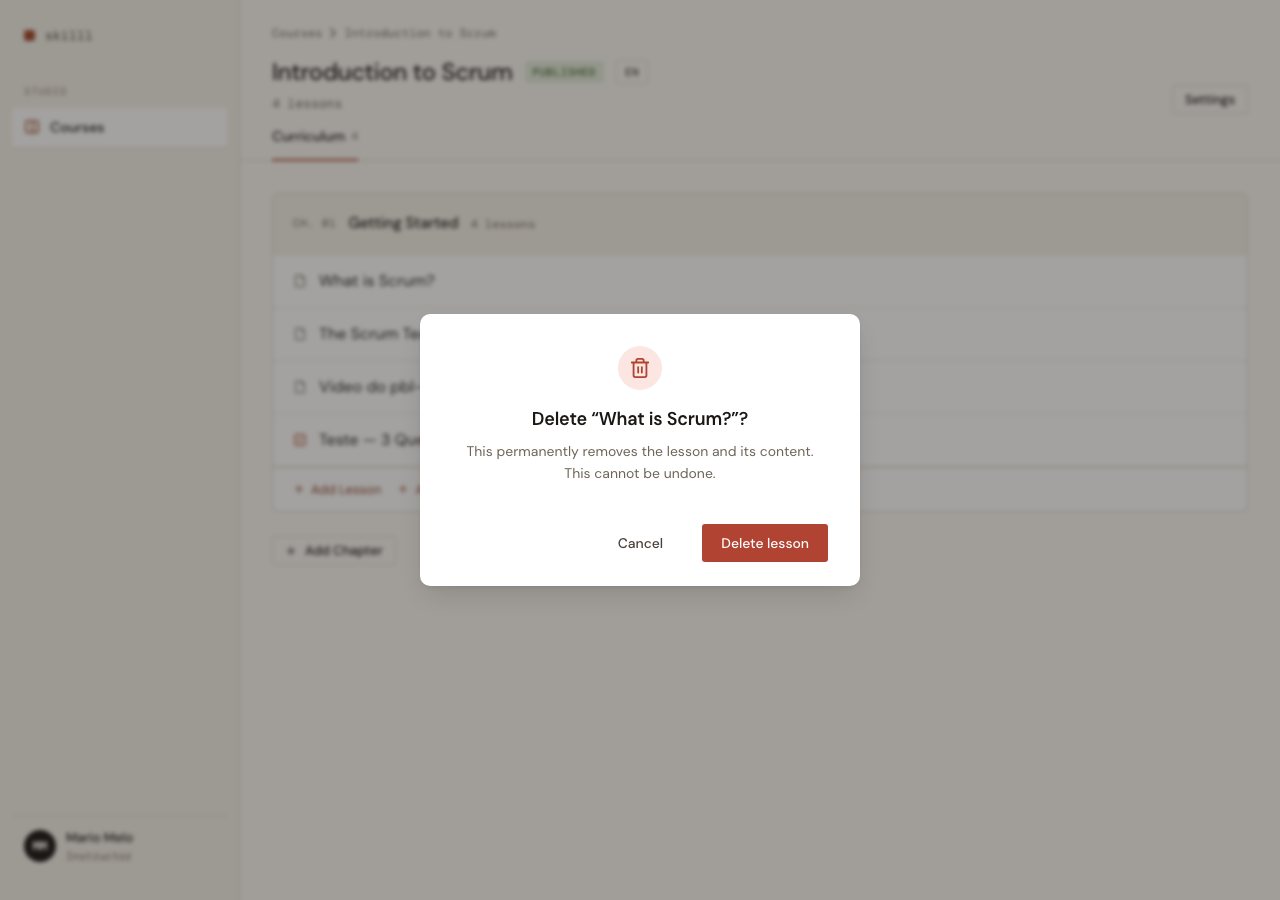
The integration keeps the server events untouched. A small ConfirmAction LiveView hook reads the dialog copy and the real event name from data-* attributes, shows the dialog, and only pushes the server event once the user confirms. Cancel (or Escape, or clicking the overlay) does nothing.
sequenceDiagram
    participant U as User
    participant H as ConfirmAction hook
    participant D as showConfirm dialog
    participant LV as LiveView
    U->>H: click delete
    H->>D: showConfirm({title, desc, onConfirm})
    U->>D: click "Delete"
    D->>LV: pushEvent("delete_lesson", {id})
    LV-->>U: row removed
    Note over U,D: Cancel / Esc / overlay → no event
The dialog markup lives once in the root layout; any screen gets it for free just by tagging a button with phx-hook="ConfirmAction".
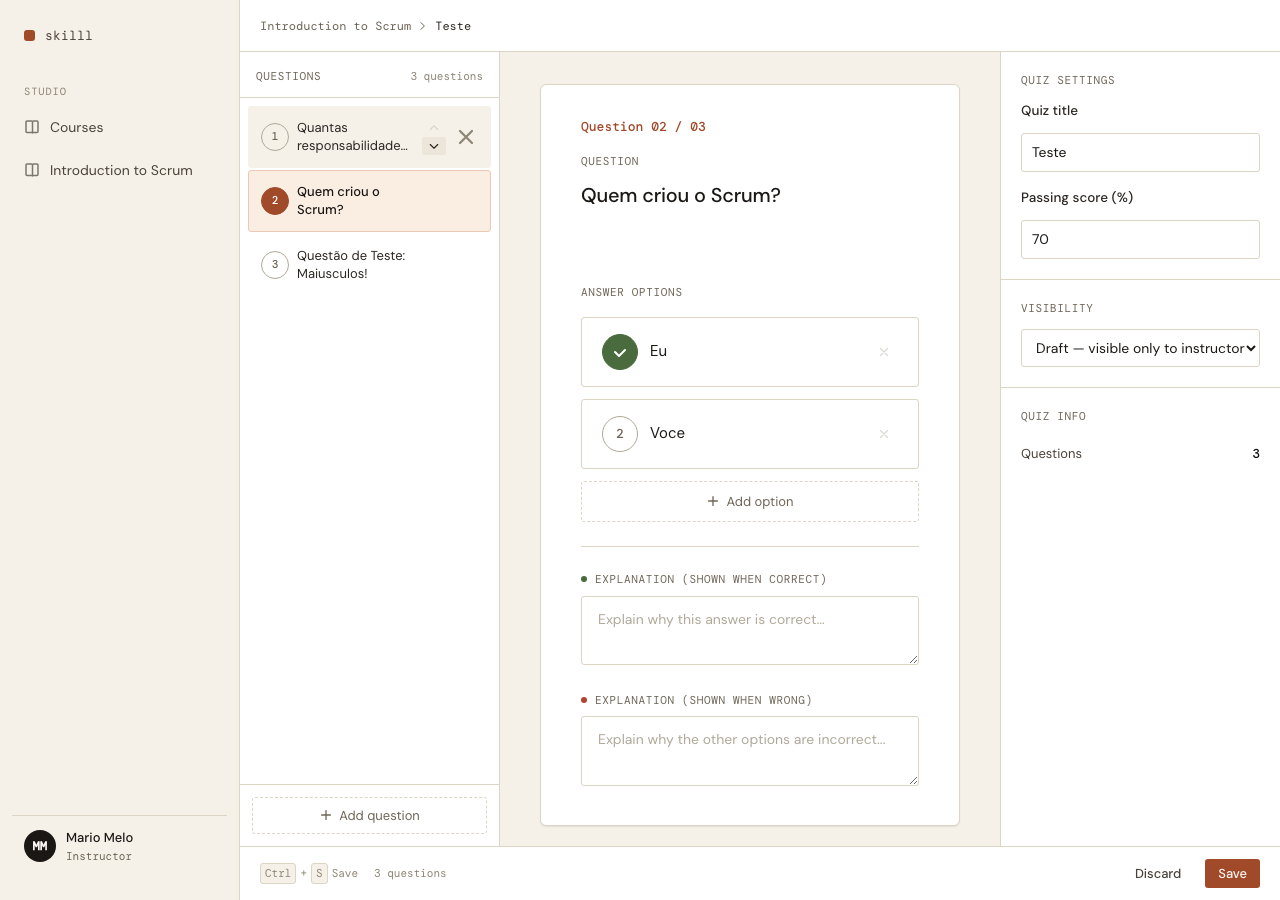
Reordering the first question actually works now
Reordering questions worked — except when the first question was involved. The cause was in the data: seeded questions all shared position = 0. The old reorder swapped the two rows’ position values, so swapping 0 with 0 was a silent no-op.
The fix stops trusting the stored values: reorder now renumbers every position from the new list order, so it’s robust to ties (and self-heals the bad data on first use).
defp swap_at(items, i, j) do
  a = Enum.at(items, i)
  b = Enum.at(items, j)

  items
  |> List.replace_at(i, b)
  |> List.replace_at(j, a)
  |> Enum.with_index()
  |> Enum.map(fn {item, idx} -> %{item | position: idx} end)
end
Names are the links; grids are cleaner
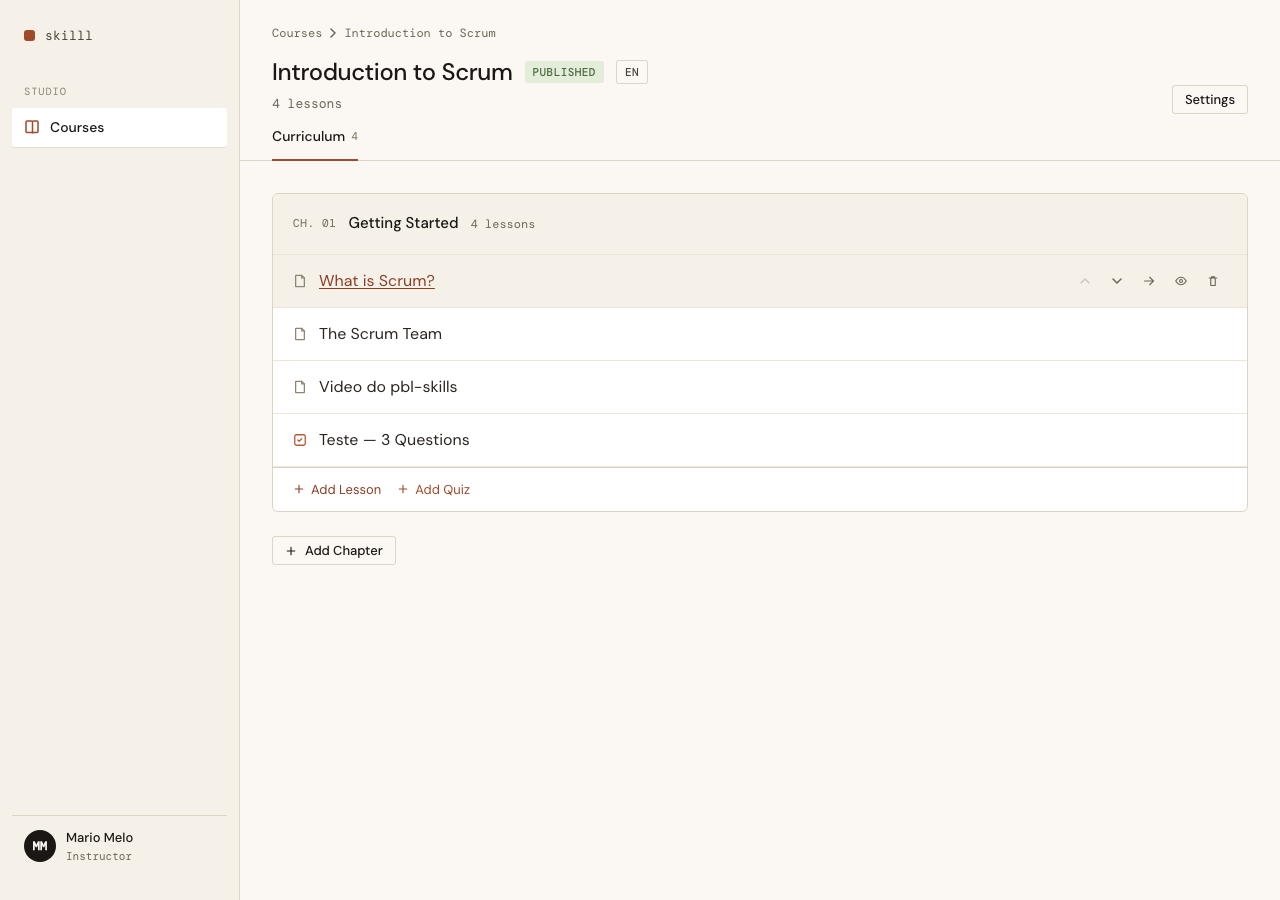
The course list and curriculum carried redundant “Edit” / “View Curriculum” links. Now the name is the link — a course title opens its curriculum, a lesson title opens its editor — and rows get a hover background.
In the curriculum, the per-row action chevrons now reveal on hover (mirroring the quiz question list), so the grid reads cleanly at rest.
Auto-focus the first field
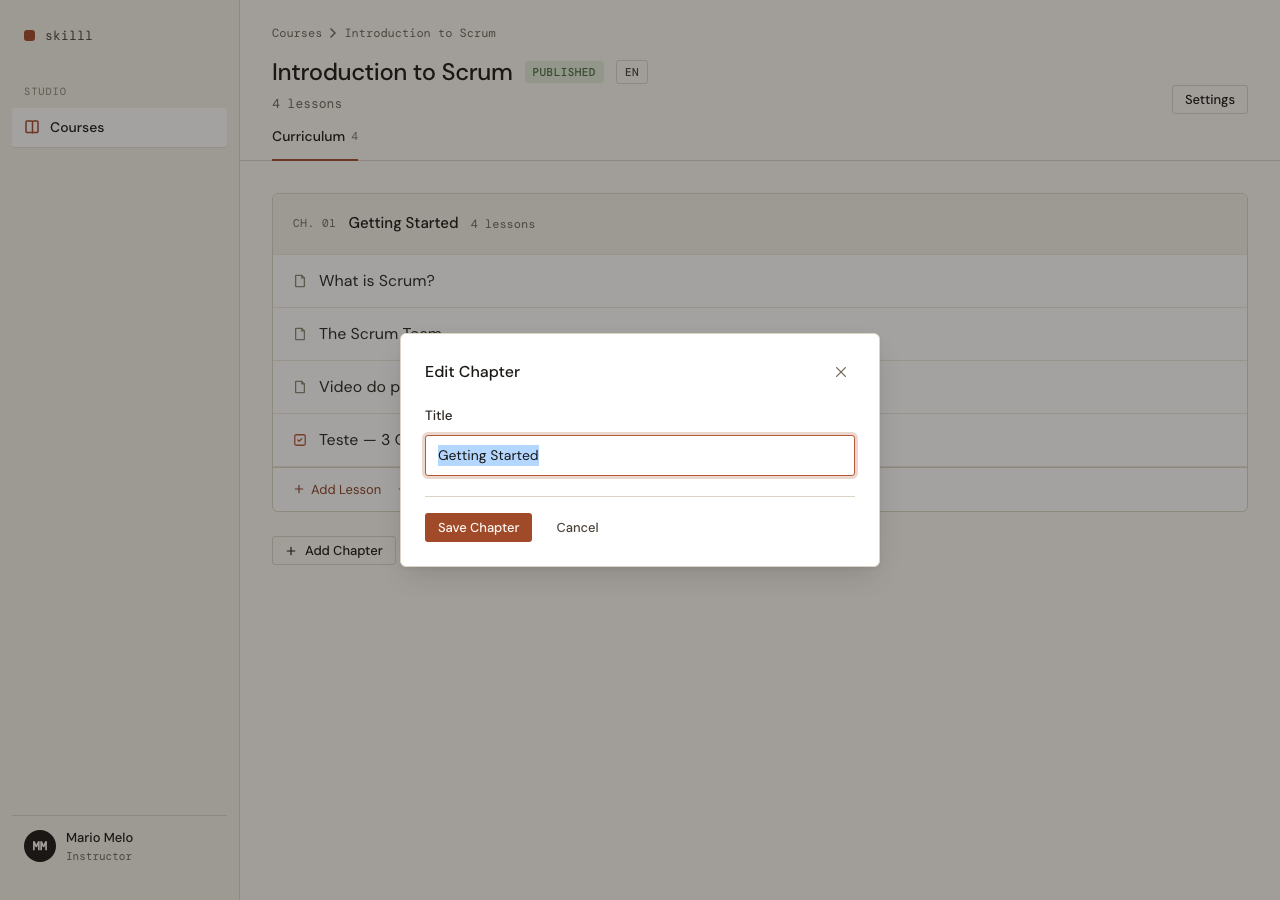
Two small frictions, same fix: when you add a Question, the question title field now takes focus; when you open the chapter editor, its name field is focused and selected. autofocus alone doesn’t fire for content LiveView inserts after page load, so an AutoFocus hook handles the modal and a server push_event focuses the new question’s field.
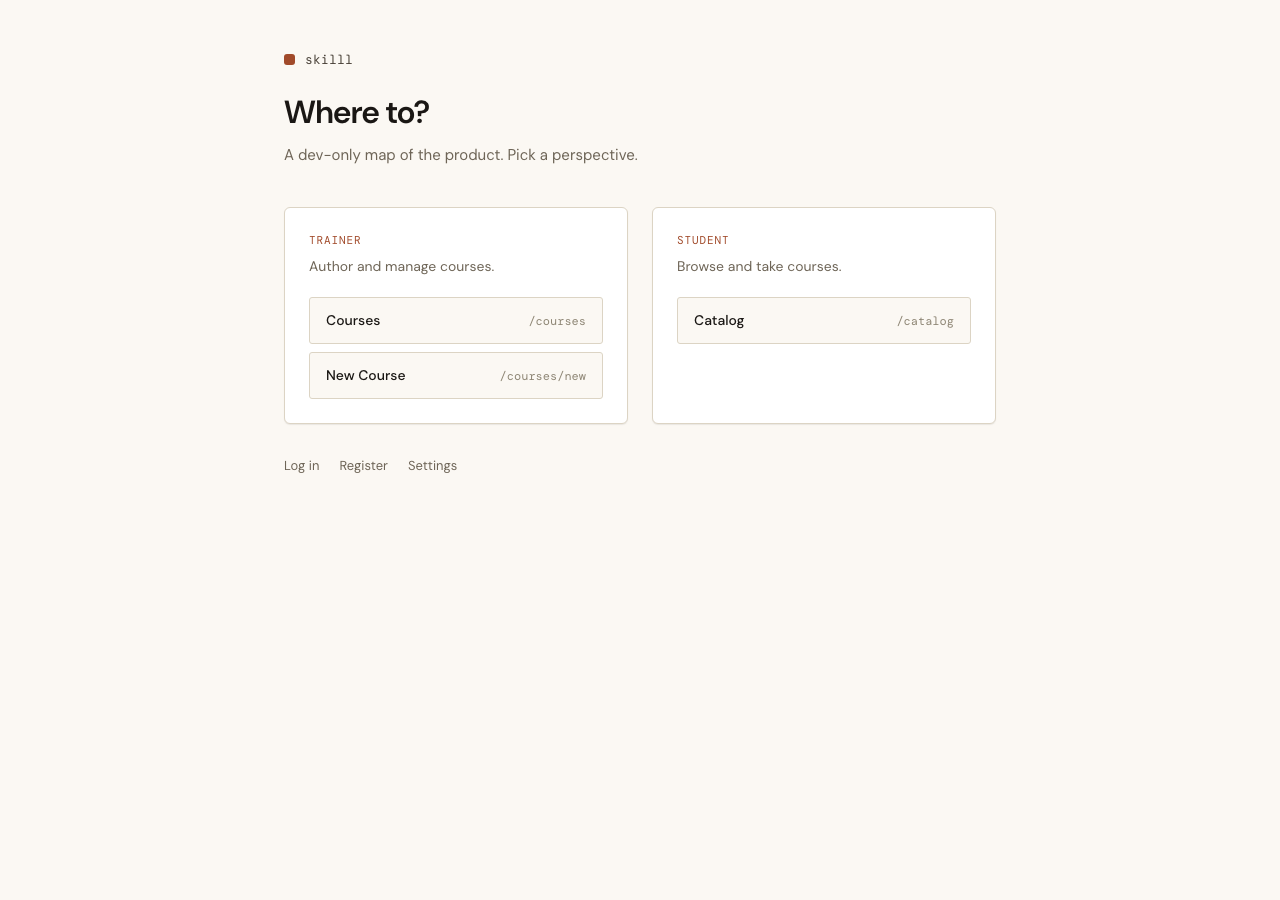
A dev-only home page
The root path still showed the default Phoenix splash. It’s now a map of the product — two columns linking the trainer perspective (/courses) and the student perspective (/catalog) — purely to make navigating the app during development quicker. Not production UI, just a signpost.
Each of these was verified by driving the real app in a browser, not just green tests — the reorder bug in particular was invisible to the suite until the screen was actually clicked.