The seventh delivered slice brings assessment to the platform: an Instructor can add a Quiz Lesson to a chapter and fill it with single-choice Questions. Each Question has a variable number of answer options, one marked correct, and optional explanations. Students taking the quiz, true/false questions, and scoring are deliberately split into their own slices — this one is purely authoring.
What was built
The Instructor can now:
- Click "+ Add Quiz" next to a chapter to create a Quiz Lesson (title, passing score, visibility)
- Land in a three-panel editor: question list, question editor, quiz settings
- Add a Question, type the question text and a variable number of answer options
- Mark one option correct — it turns green
- Add explanations shown on correct / wrong answers
- Reorder questions with the chevrons on each list row
- Save with the footer button or Ctrl+S, with a toast confirming the save
- See
{quiz title} — X Questionsin the curriculum, with a distinct quiz icon
The question editor
One Question field (the question is its title — a Question has no separate name), the answer options below with circular markers, and explanations underneath. The correct option carries a green marker.
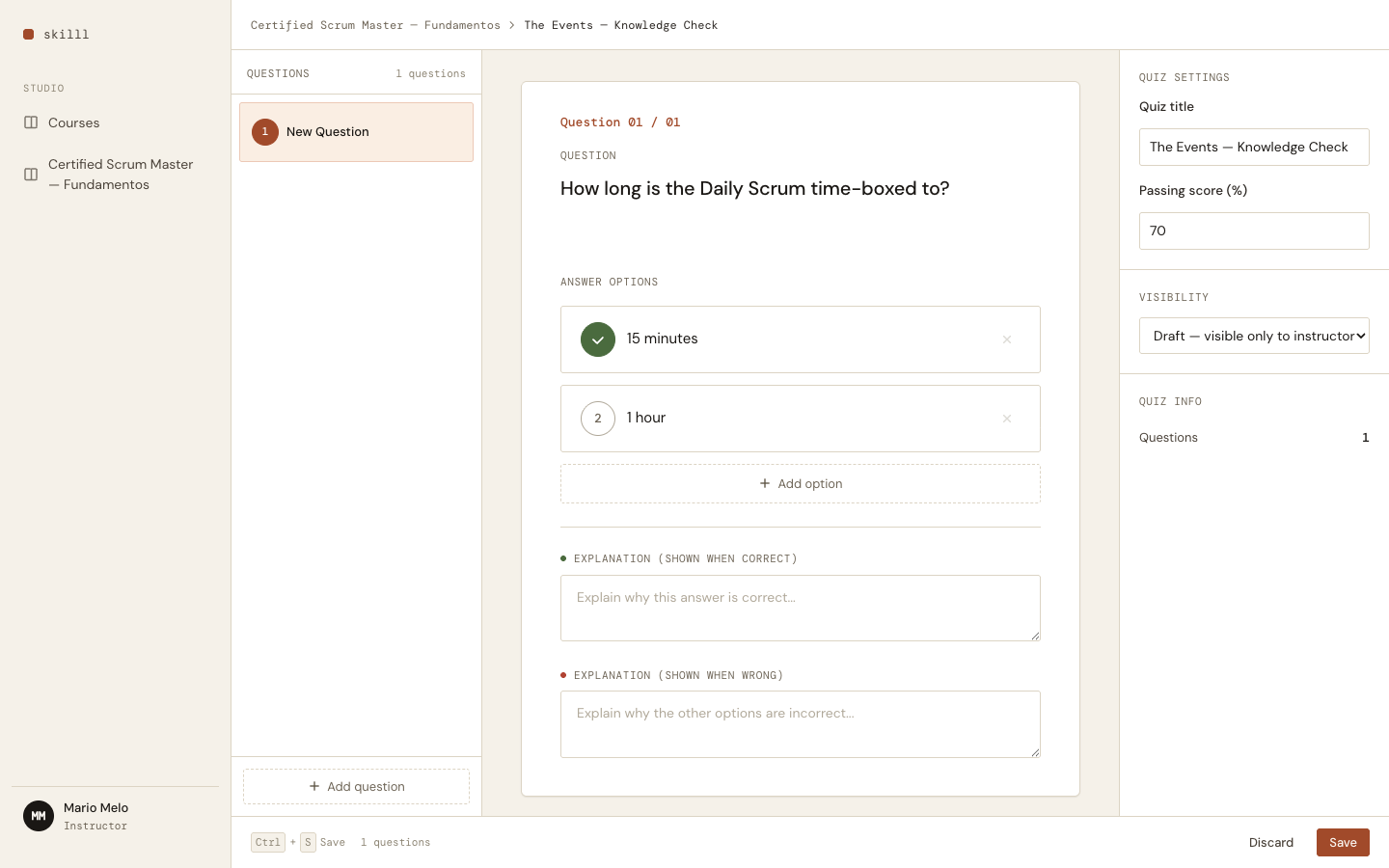
Saving shows a design-system toast — dark, bottom-right, auto-dismissing — not a framework default:
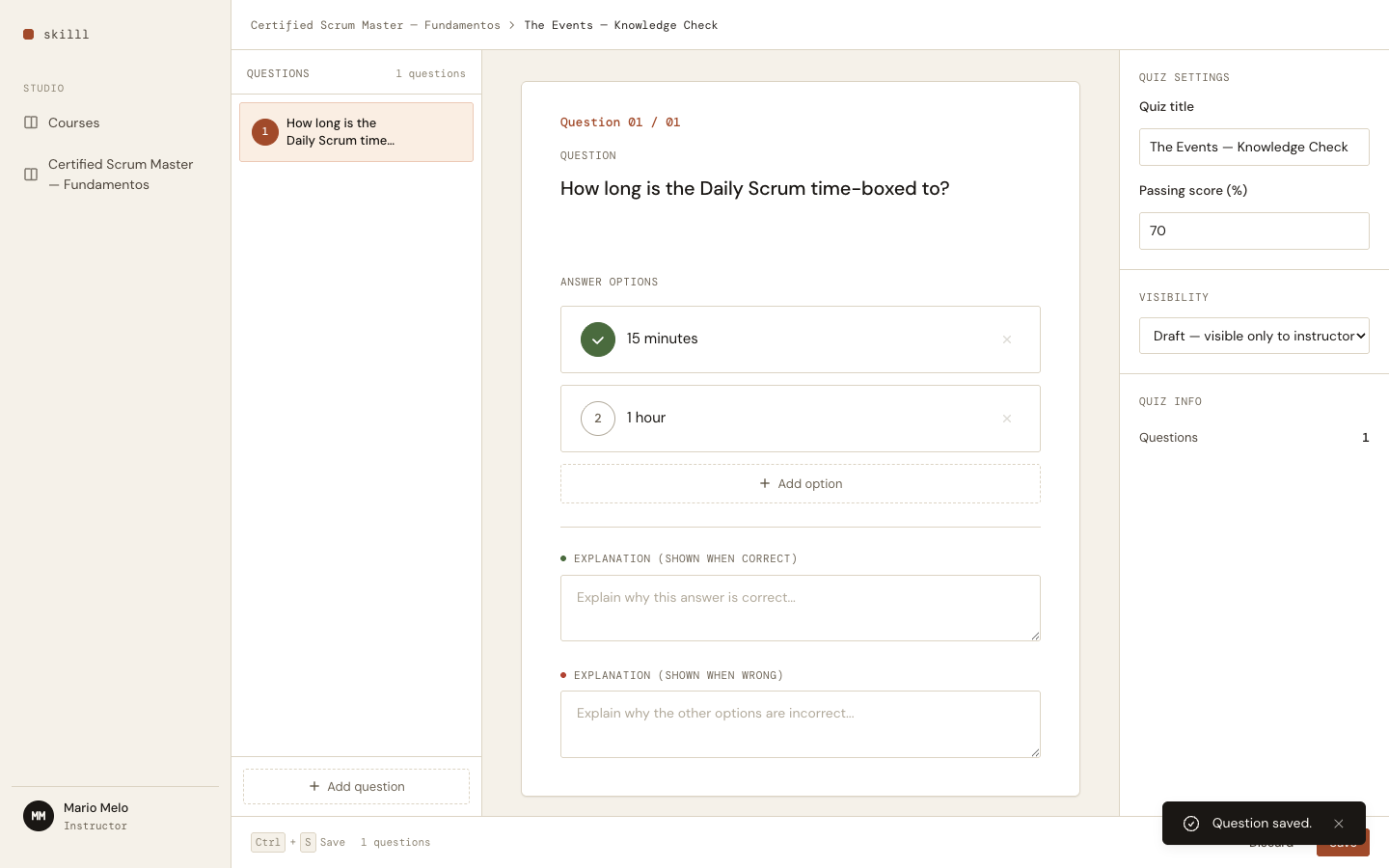
Questions reorder from the list rows; the chevrons sit beside the delete control and appear on hover:
Domain model
A Quiz is a Lesson with lesson_type: :quiz. Questions are a separate aggregate stored in their own table; each Question keeps its options as a JSON array of value objects.
erDiagram
    LESSON ||--o{ QUESTION : "has many"
    LESSON {
        enum lesson_type "text | video | quiz"
        int passing_score
        string status "draft | published"
    }
    QUESTION {
        string title "the question text"
        json options "[{ text, is_correct }]"
        int position
        string explanation_correct
        string explanation_wrong
    }
One editing rule that drove the design
The editor holds all unsaved edits in memory until you save. Typing syncs the in-flight Question; marking an option correct or adding/removing an option mutates that same in-memory copy and rebuilds the form from it. Only Save writes to the database — and it rebuilds the changeset from the persisted row so Ecto actually sees the change.
flowchart LR
    A["Type / mark correct /\nadd-remove option"] -->|in memory| B["selected_question\n(unsaved)"]
    B --> C["Save (button or Ctrl+S)"]
    C -->|reload DB row as baseline| D["changeset"]
    D -->|persist| E[("questions")]
That rule exists because of two traps we hit (now written into CLAUDE.md):
- Ecto only writes a field when it differs from the struct’s current value. Keeping an in-memory copy in sync for display, then building the changeset from that copy, made the change invisible — saves silently did nothing. The fix: reload the persisted row as the changeset baseline.
- A submit button outside its
<form>does a native POST, notphx-submit. The full-width footer Save was bypassing LiveView entirely. The fix: a hidden submit inside the form, triggered viaJS.dispatch.
Both were invisible to a green test suite — the tests fed crafted params straight to the save handler and never exercised the real form. They only surfaced when we drove the actual screen in a browser. Lesson logged: LiveView tests must round-trip the real form, and a feature isn’t done until it’s run.