Until now a Course in the catalog was a rectangle of hatched grey with its own title printed inside it. Accurate, honest, and completely uninviting. A prospective Student browsing the catalog had a title, a description, and nothing else to go on.
This slice gives a Course a catalog preview: a Thumbnail, an Intro Video, and Highlights — the “What you’ll learn” list. Three new fields, three new public surfaces, one new authoring tab.
The rule that shapes all of it: every one of them is optional, and none of them blocks Publish. An Instructor who wants to ship a Course with no cover image and no video can, and the catalog will simply show less. That constraint is what makes the whole feature safe to add to an existing catalog full of Courses that have none of it.
The empty state is the default state
Because all three are optional, the interesting question isn’t what a filled-in Course looks like — it’s what an empty one does. Nothing is a “coming soon” placeholder or an empty section header with a shrug under it. A missing field means the section does not exist.
No Thumbnail? The card and the detail hero fall back to a hatched placeholder. No Intro Video? There is no “Introduction” heading. No Highlights? There is no “What you’ll learn”.

Curriculum follows the description directly. A Student can’t tell there was ever supposed to be anything between them, which is the point.
erDiagram
    COURSE ||--o{ CHAPTER : contains
    COURSE {
        string title
        string slug
        string thumbnail_url "optional — catalog card + detail hero"
        string intro_video_url "optional — public, ungated"
        array highlights "optional — ordered, max 6"
        string status "draft | published"
    }
    CHAPTER ||--o{ LESSON : contains
Three nullable columns on courses, one of them an {:array, :string}. The array defaults to [] rather than NULL, so an existing Course loads as an empty list and the template keys off emptiness alone instead of handling both nil and [].
A Landing page tab, not a Settings section
The design system puts these three fields inside the Settings tab as three .settings-section cards. We diverged: they get their own Landing page tab.
The reason is that Settings is where you configure a Course — its language, its visibility, its Paddle Price. The Thumbnail, the Intro Video and the Highlights are not configuration; they’re marketing copy. They are the only fields in the entire Instructor Studio whose sole audience is someone who has not bought the Course yet. Grouping them under a tab named for the page they render on says that out loud.
The component markup is unchanged — the same .settings-upload-*, .settings-video-* and .highlight-* classes from the design’s mock. Only the containing tab moved. Building the tab also let us delete two disabled “Coming next” placeholders: Landing page became real, and Pricing went away entirely (pricing lives in Settings).
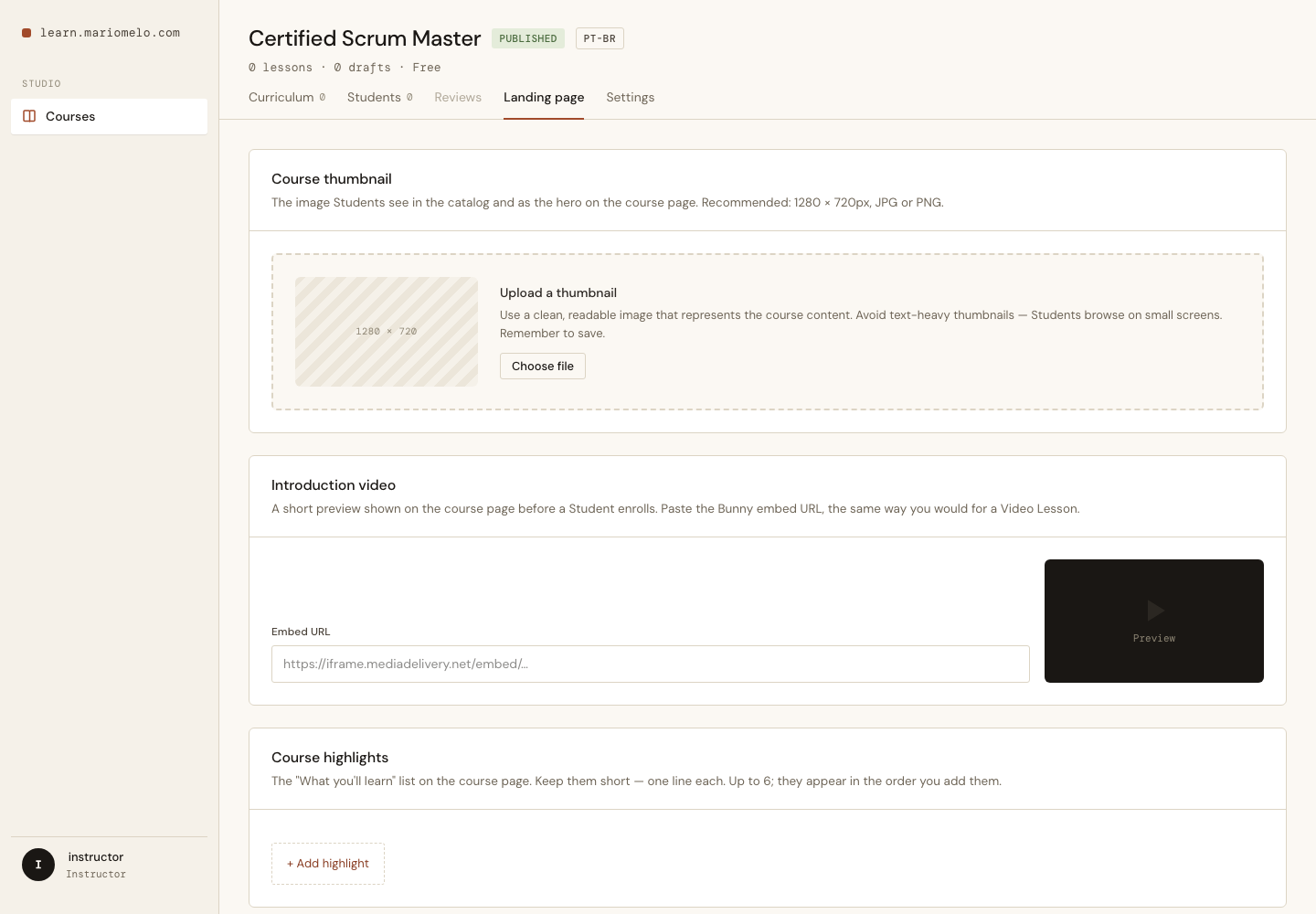
The Highlights editor has no drag handle, even though the design’s .highlight-item includes one. Fixed order — the list renders in the order you add it. Drag-reorder is a known trap in this codebase (we have lost reorder positions to it before, silently), and it is not worth risking to reorder a list capped at six entries you can retype in ten seconds.
One validator, two fields
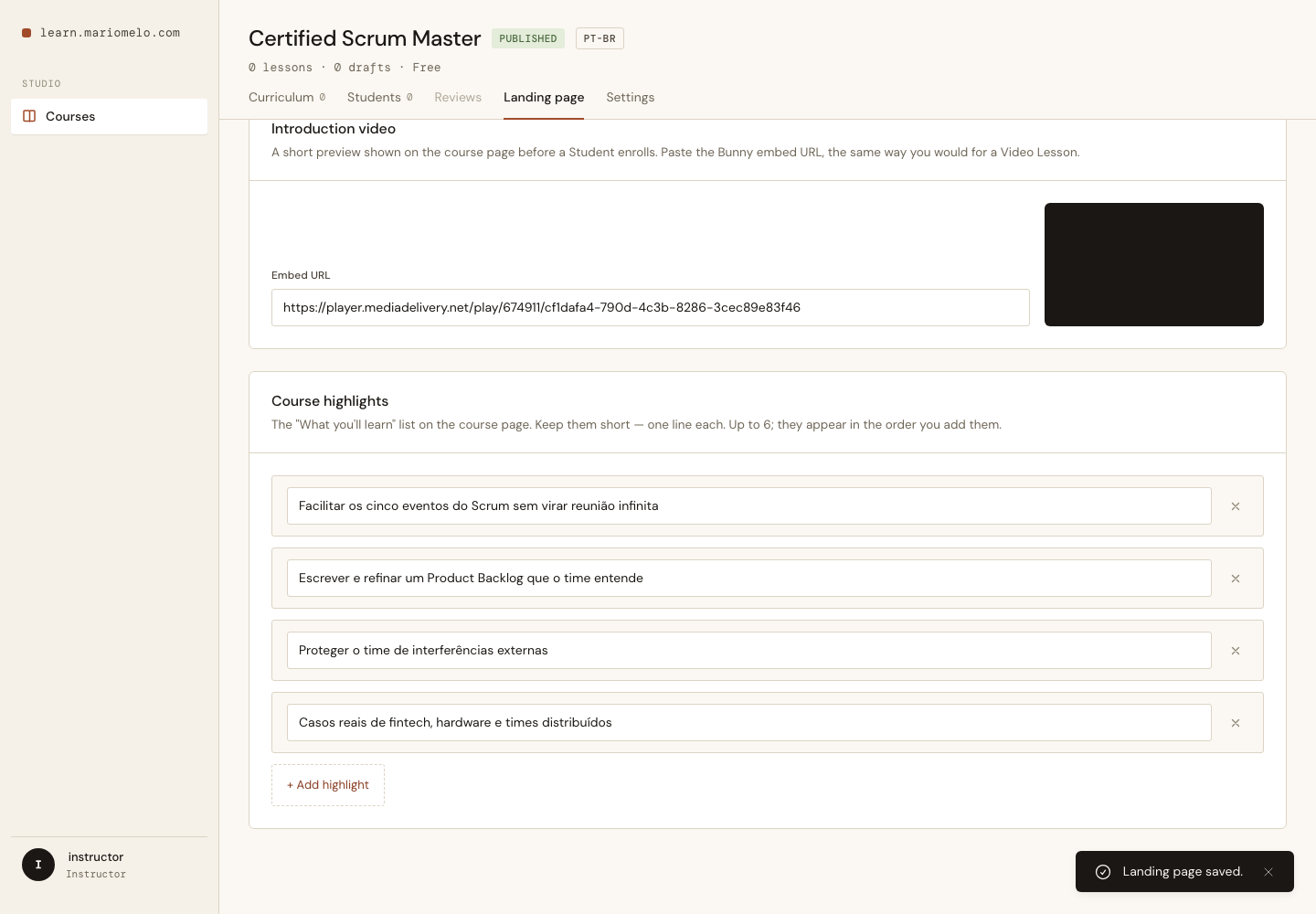
The Intro Video is a Bunny embed URL — the same thing a Video Lesson’s video_url already accepts. The acceptance criterion said an invalid Intro Video must be rejected with the same message as a Video Lesson.
The obvious move is to copy the eight-line validator into Course. The problem with copying it is that “the same message” would then be true on the day it was written and false the first time someone edited one of the two copies. So the rule moved into Forgia.Courses.VideoUrl, and both schemas call it:
defp validate_video_url(changeset), do: VideoUrl.validate(changeset, :video_url)
and a test asserts the two messages are literally equal:
test "the rejection message is exactly the Video Lesson's" do
  lesson_cs = Lesson.changeset(%Lesson{}, %{title: "L", video_url: "not a url"})
  course_cs = changeset(Map.put(valid_attrs(), :intro_video_url, "not a url"))

  assert error_message(course_cs, :intro_video_url) == error_message(lesson_cs, :video_url)
end
Drift now fails the build instead of shipping.
Two bugs only a browser could find
The unit tests were green. The LiveView tests were green. Then we opened the actual page.
The form that ate its own inputs
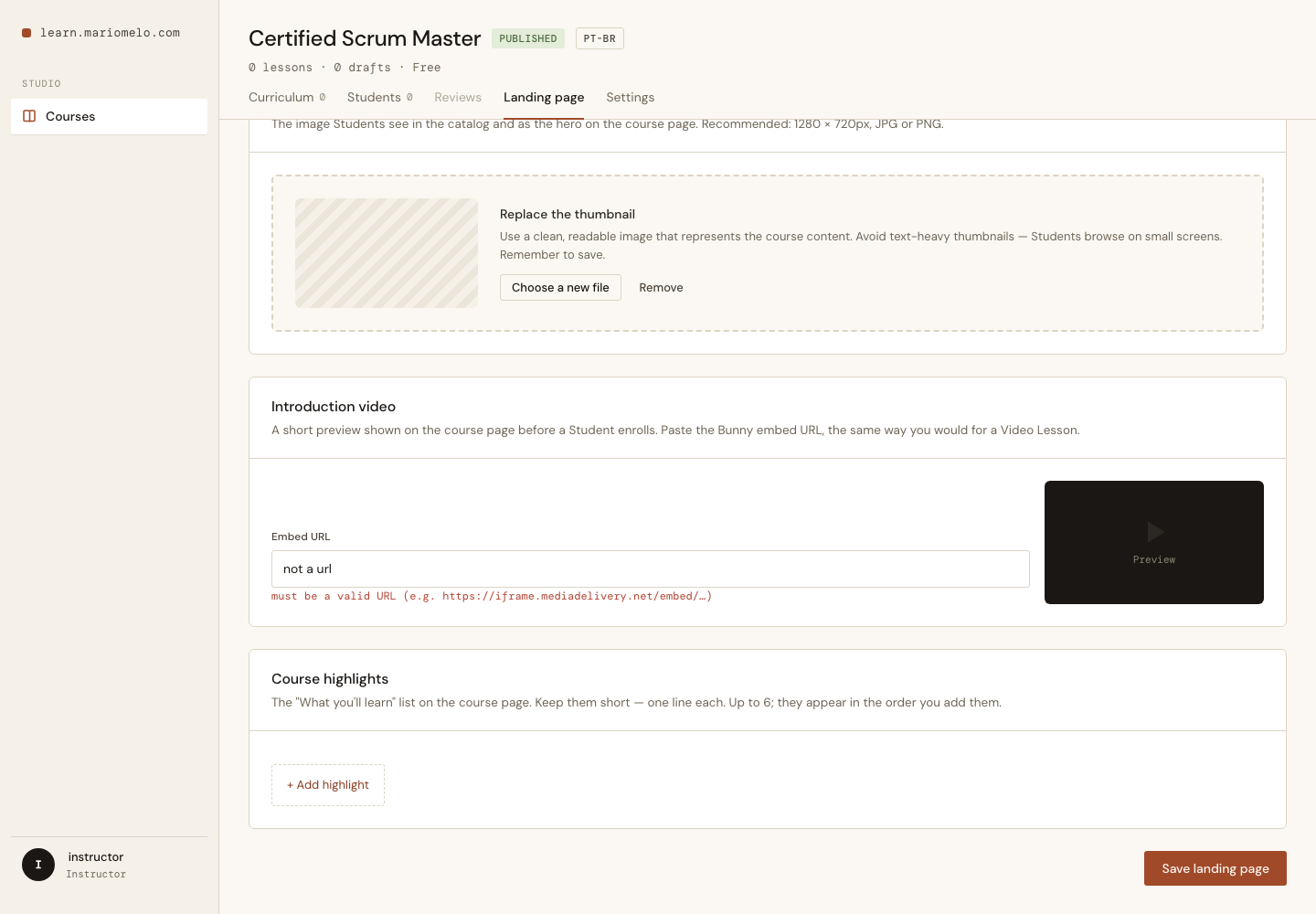
The Thumbnail uploads through the existing ImageUploadLive component, which renders its own <form>. Dropping that component inside the Landing page’s settings form produces a form nested in a form — which is invalid HTML. The browser doesn’t complain; it just closes the outer form early. Every input after the upload component — the Intro Video URL, every Highlight row — quietly stopped being part of the form and never submitted.
The fix is structural: the upload zone lives outside the form, and the uploaded URL rejoins the round-trip through a hidden input.
<%!-- Outside the form: ImageUploadLive renders a <form> of its own. --%>
<div class="settings-section">…</div>

<.form for={@landing_form} id="landing-page-form" phx-change="validate_landing" …>
  <input type="hidden" name="course[thumbnail_url]" value={@thumbnail_url || ""} />
  …
</.form>
The phantom Highlight row
This one is nastier, because no test in ExUnit could have caught it.
Highlight rows are index-named inputs (course[highlights][0]), which arrive as an index-keyed map that has to be flattened into an ordered list before Ecto can cast it. Standard stuff, and already a documented pitfall in this project.
What isn’t documented anywhere obvious: LiveView also mixes its own markers into that same map. An input the user hasn’t touched yet is reported twice:
%{"0" => "Facilitar os cinco eventos", "1" => "", "_unused_1" => ""}
"_unused_1" is metadata — “the Instructor hasn’t typed in row 1 yet”. Our normalizer sorted the map by index and took every value as a row, so that marker became a third row. Add two rows, type into the first, and a phantom blank row appeared. Type again, another one.
The fix is one line of intent: only numerically-indexed keys are rows.
def ordered_highlights(%{} = indexed) do
  indexed
  |> Enum.flat_map(fn {index, value} ->
    case row_index(index) do
      nil -> []          # "_unused_1" and friends are metadata, not rows
      n -> [{n, value}]
    end
  end)
  |> Enum.sort_by(fn {index, _} -> index end)
  |> Enum.map(fn {_, value} -> value end)
end
The reason ExUnit was helpless is worth dwelling on. LiveViewTest’s form helpers do not emit _unused_ markers — they send exactly the params you hand them. So a test that builds %{"0" => "A", "1" => ""} by hand passes, forever, while the real browser sends something strictly larger and misbehaves. The guard is now a unit test that asserts the marker case directly against the normalizer, because that’s the only level at which the truth is reachable.
This is the second time this project has learned the same lesson from a different angle: a LiveView test that doesn’t send what the browser sends is a test that agrees with you rather than checking you.
Ordering, blanks, and the six-row cap
The rest of the Highlights rules fell out of authoring the thing:
- Blank rows are stripped on save, not rejected. An Instructor clearing a row means “remove it”. An untouched empty row the editor rendered is not an error.
- But a blank row must survive on screen while you’re typing elsewhere — otherwise the row you just added vanishes on your next keystroke. That means the editor keeps its own row list (refreshed on every change, so it can never revert your typing) while the changeset strips blanks on the way to the database. Same input, two different treatments of the empty string, and they have to disagree on purpose.
- Six entries, capped in the UI by hiding the add button. The changeset still rejects a seventh — the button is a courtesy, not a guarantee.
What a Student sees
The card gets its Thumbnail. The detail page gets a full-width hero — the 16:9 Thumbnail cropped into a 16:7 hero with object-fit: cover, no separate Banner field, no cropping UI.
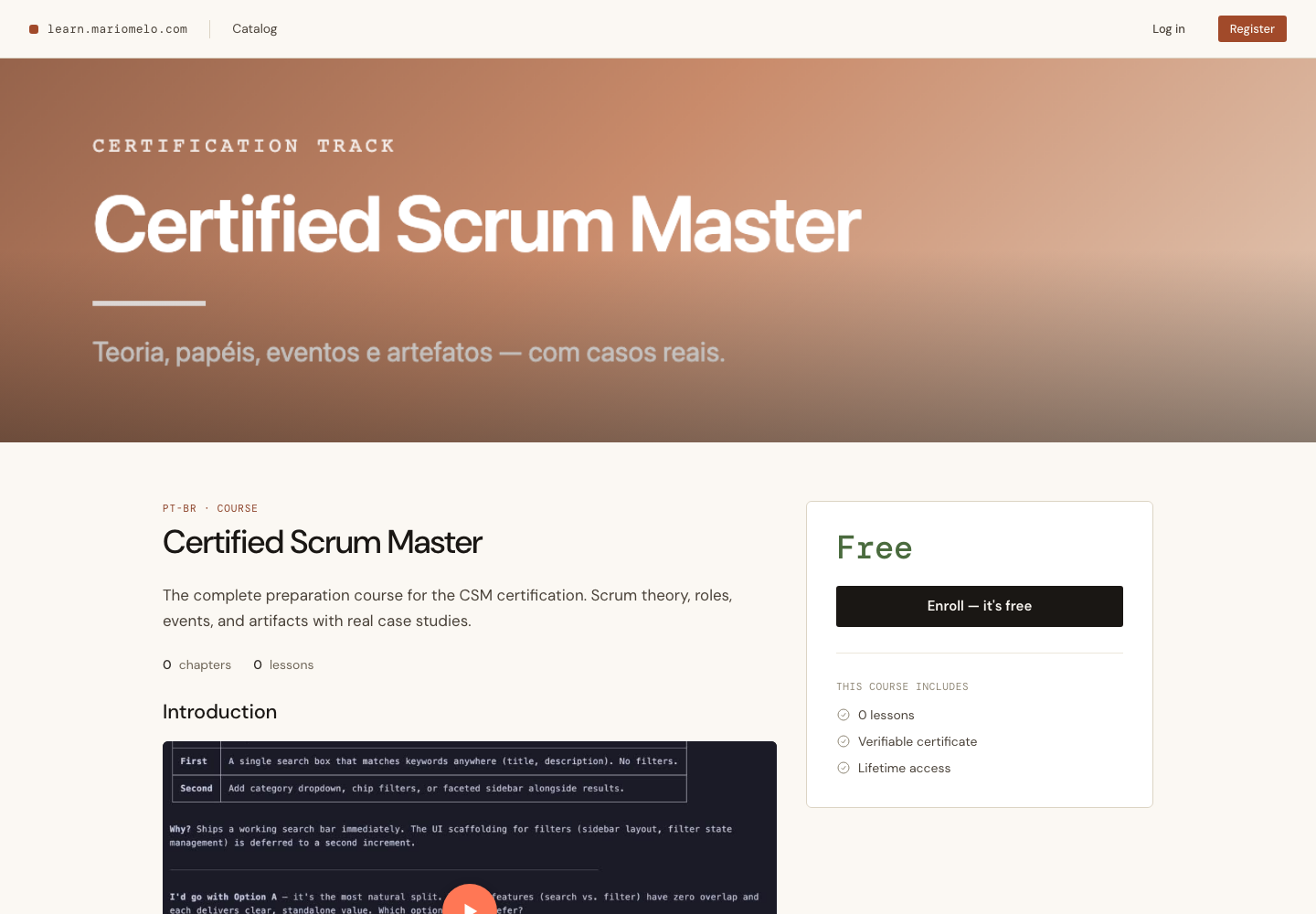
Then the Introduction, and the Highlights as a two-column icon-bullet list in authored order.
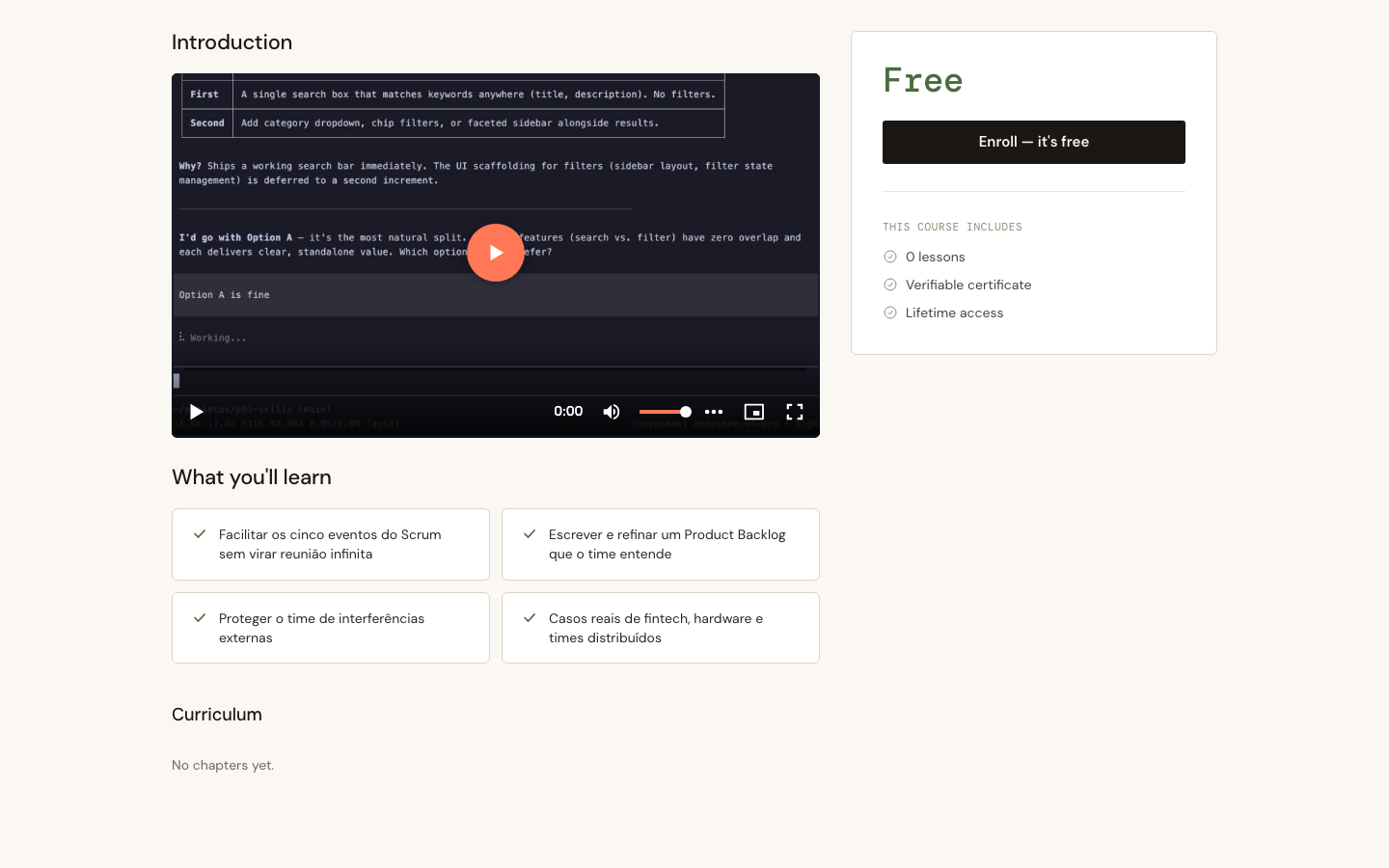
The Intro Video is deliberately public and ungated. You don’t need an account, and you certainly don’t need to enroll — it’s a marketing preview, and gating the trailer behind the ticket booth defeats its only purpose.
flowchart LR
    A["Instructor
Landing page tab"] -->|"upload"| B["Backblaze B2"]
    B -->|"thumbnail_url"| C[("courses")]
    A -->|"intro_video_url
highlights"| C
    C --> D["Catalog card
(Thumbnail)"]
    C --> E["Detail hero
(Thumbnail, 16:9 → 16:7)"]
    C --> F["Introduction
(ungated)"]
    C --> G["What you'll learn
(Highlights)"]
    D -.->|"absent → placeholder"| H["Logged-out visitor"]
    E -.-> H
    F -.->|"absent → no section"| H
    G -.->|"absent → no section"| H
What’s deferred
- The Pricing model. This slice originally carried the removal of the local
priceinteger in favour of an explicit free/paid Pricing model — the amount coming only from Paddle, with no misleading numeric fallback. It’s a genuinely separable change with its own blast radius across the Paddle and catalog-price paths, so it was split into its own item and ships next. The ADR for it (ADR-0012) is already written and Accepted, which is precisely why it goes next rather than at the bottom of the backlog: an accepted decision that the code contradicts is a debt with interest. - Drag-reorder for Highlights, layered on the same add/remove editor.
- A dedicated Banner image, if reusing the 16:9 Thumbnail in the 16:7 hero ever starts to look bad. So far it doesn’t.